Daily operations
This page collects the most useful checks to perform during the ordinary management of Flo.
Daily checks
At the start of the day:
- check new registrations to activate;
- check the day's bookings or appointments;
- look at any recent cancellations;
- check messages, requests, or internal reports;
- verify that important content is up to date;
- check that scheduled sends and communications have gone out;
- check any pending payments or invoices, if those modules are active.
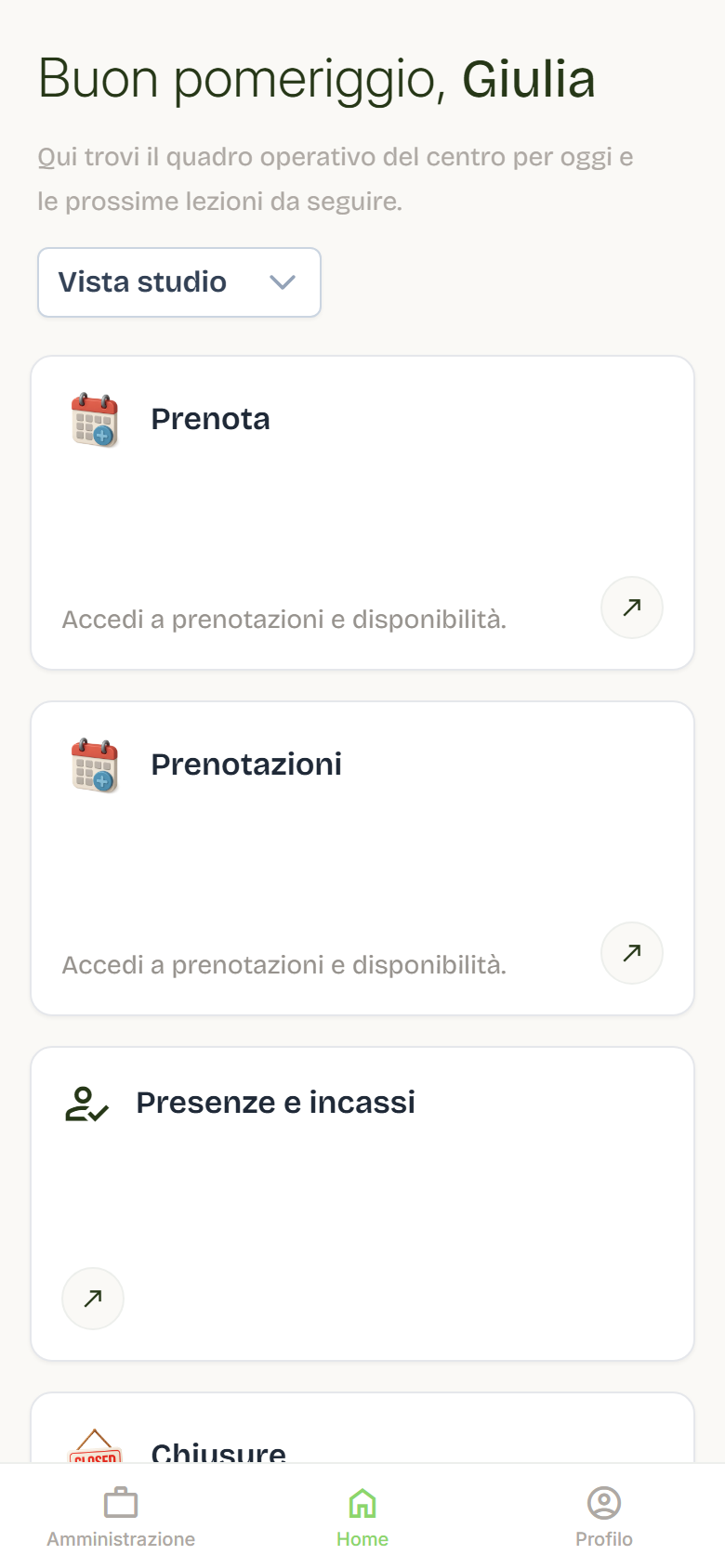
The professionals’ home
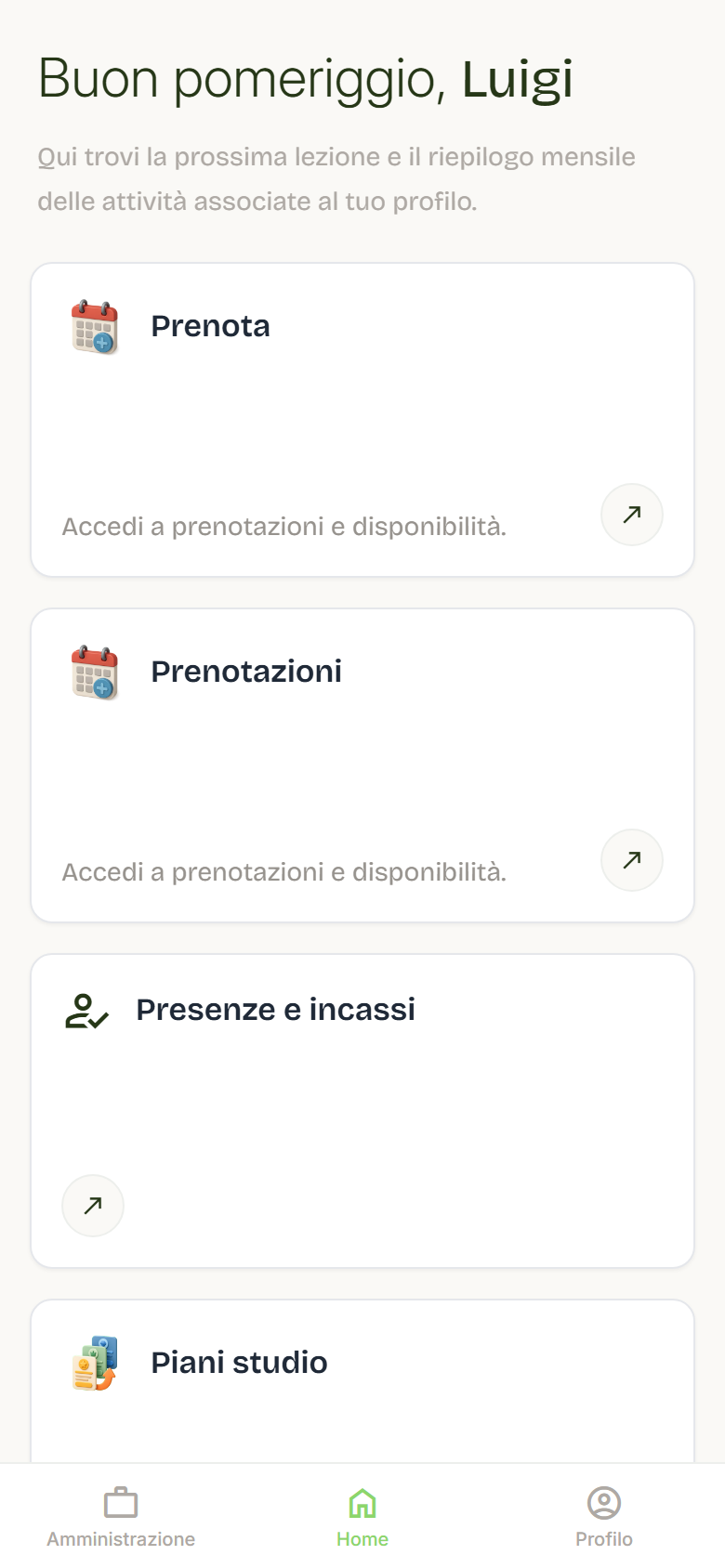
Each professional sees a dedicated Home with their next lesson, who is booked and the upcoming lessons linked to their profile. For a one-to-one appointment the next lesson reads Booked or Available instead of the count.
Weekly checks
Once a week:
- check the calendar and future availability;
- update closures, holidays, or unavailability;
- check users whose roles are no longer correct;
- check properties, services, or content that is out of date;
- verify that subscriptions, payments, and invoices are aligned with the week's activity;
- remove or archive items that are no longer active.
Before publishing a change
Before making a change visible to users:
- re-read the title and description;
- check dates, times, prices, and capacity;
- check images and attachments;
- check that the status is correct;
- if possible, look at the page from the end user's point of view.
Handling recurring errors
When something is off, always collect:
- what you were doing;
- which page you were on;
- which user or content was involved;
- the date and time of the issue;
- a screenshot or short video;
- the visible error message.
This information greatly reduces analysis time.
A good internal rule
Each company should decide who can:
- activate users;
- change roles;
- cancel bookings;
- publish properties or content;
- edit sensitive settings;
- contact Flo support.
Clear permission management avoids mistakes and duplicate requests.